
Tornado Interceptor Lab How to Redeem Codes
UI path, copy tips, and fixes — ready for the first verified Arvexa promo codes.
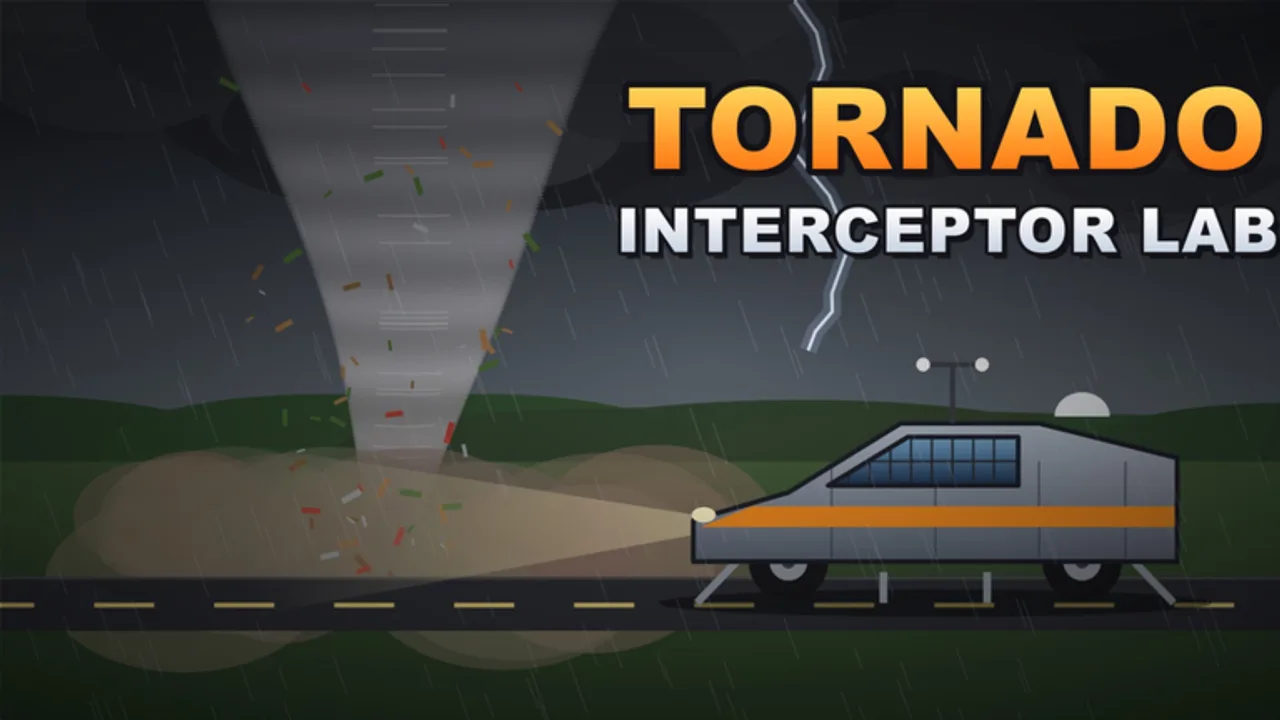
Promo codes are not active yet for Tornado Interceptor Lab [Beta], but you should still know the redemption workflow before Arvexa studio drops one. This guide explains how Roblox experience codes usually work, what to prepare inside the lab place, and how to troubleshoot failed redeems without falling for fake lists. Cross-check live strings on the Codes Hub — that page stays empty until a code is verified.
Before you redeem anything
- Launch the official place: Tornado Interceptor Lab on Roblox (Universe 10774715419).
- Wait until you fully load into a server (max 10 players) — codes often require a living character, not the queue screen.
- Have the code copied exactly from the Codes Hub once it lists one; avoid lobby handwriting.
- Prefer redeeming on the account that owns your valued interceptors so rewards land where you farm.
- Screenshot inventory/cash before and after so you can confirm the reward type.
Typical redemption path (Roblox experiences)
Exact button labels may shift during early access (live since Nov 4 2026), but the pattern is familiar:
- Open the in-game Shop, Settings, Rewards, or Twitter/Codes panel — Arvexa may place a ticket or gift icon on the HUD.
- Find a text field labeled Code, Promo, or Redeem.
- Paste the string carefully (no spaces before/after).
- Confirm. Success usually plays a toast, drops items, or bumps cash.
- If nothing happens, re-open the panel once; some UIs need a refresh after network lag.
If the Beta currently has no codes field, that matches our “no verified codes” status. Do not install random browser extensions claiming to auto-redeem TIL codes.
What rewards usually look like
When Arvexa does ship promos, expect categories like:
- Cash for armor plates, glass, and engines.
- Parts crates that accelerate the loop described in Getting Started.
- Paint or cosmetic tokens useful after your frame is solid (Paint & Customize).
- Occasional equipment (sensor or camera related) that belongs on the Parts Checklist.
Codes will not replace fundamentals: low chassis, flaps covering wheels (~+30–50 threshold tip), and clean intercepts still decide EF survival. Read Flaps Deployment and How to Intercept while you wait.
Troubleshooting failed codes
| Symptom | Likely cause | Fix |
|---|---|---|
| Invalid / not found | Typo, expired, or fake lobby code | Recopy from Codes Hub |
| Already redeemed | One-per-account limit | Try alt only if rules allow |
| No codes UI | Feature not shipped yet | Keep playing; watch Updates |
| Lag, no toast | Packet loss in busy 2–5k peak hours | Rejoin, redeem again carefully |
| “Working 2024 codes” lists | Scrape spam | Ignore; our hub refuses unverified strings |
Safety notes
- Never enter your Roblox password into a “code generator” site.
- Never download an executor “just to redeem faster” — that belongs in the risk discussion on Scripts, not codes.
- Be wary of Discord DMs offering “VIP codes” for a limited fee; Arvexa promos are free when real.
- After any major patch summarized on Beta Launch, re-check whether the redeem UI moved.
Practice loop without codes
Spend the same energy you would on code hunting on a tighter lab routine:
- Build with How to Build using spray bucket fill.
- QA via Parts Checklist.
- Rank your idea against Interceptor Builds.
- Study Cad 1 Prototype for a real community benchmark.
- Push thresholds with Threshold Survival only when mid-EF runs feel stable.
Related pages
- Codes Hub — live table (honest empty state).
- Updates Hub — patch days that often accompany promos.
- Guides Hub — progression that does not depend on codes.
- Wiki Hub — full site map.
When the first real string lands, redeem with this checklist, then return to the storm with better funded armor — not with a lighter sense of skepticism.
Frequently Asked Questions
Quick answers for interceptor builds, flaps, and tornado intercepts.
Why can’t I find a codes button?
Tornado Interceptor Lab may not expose a redeem UI until Arvexa ships promos. No verified public codes exist yet.
Where should I copy codes from?
Only from the Codes Hub on this wiki after verification, or from official Arvexa / Roblox announcements.
Do codes work in private servers?
Usually account-wide once redeemed in any instance, but confirm after the first official drop.
Can a script redeem codes for me?
Avoid executor “auto redeem” tools — ban and malware risk outweigh the convenience. Use the official UI.
What if a code worked for my friend but not me?
It may be region-gated, already used, mistyped, or never real. Compare exact strings and timestamps on the Codes Hub.